Tap-based drop counting
Record deliveries quickly with one-tap quantity presets while FlyerTrack keeps the field workflow simple.
GPS-proof flyer distribution, offline-first
FlyerTrack logs every drop with time and location, keeps working without signal, and gives teams two handoff paths: polished PDF, CSV and Excel exports or automatic sync into the dispatcher dashboard.
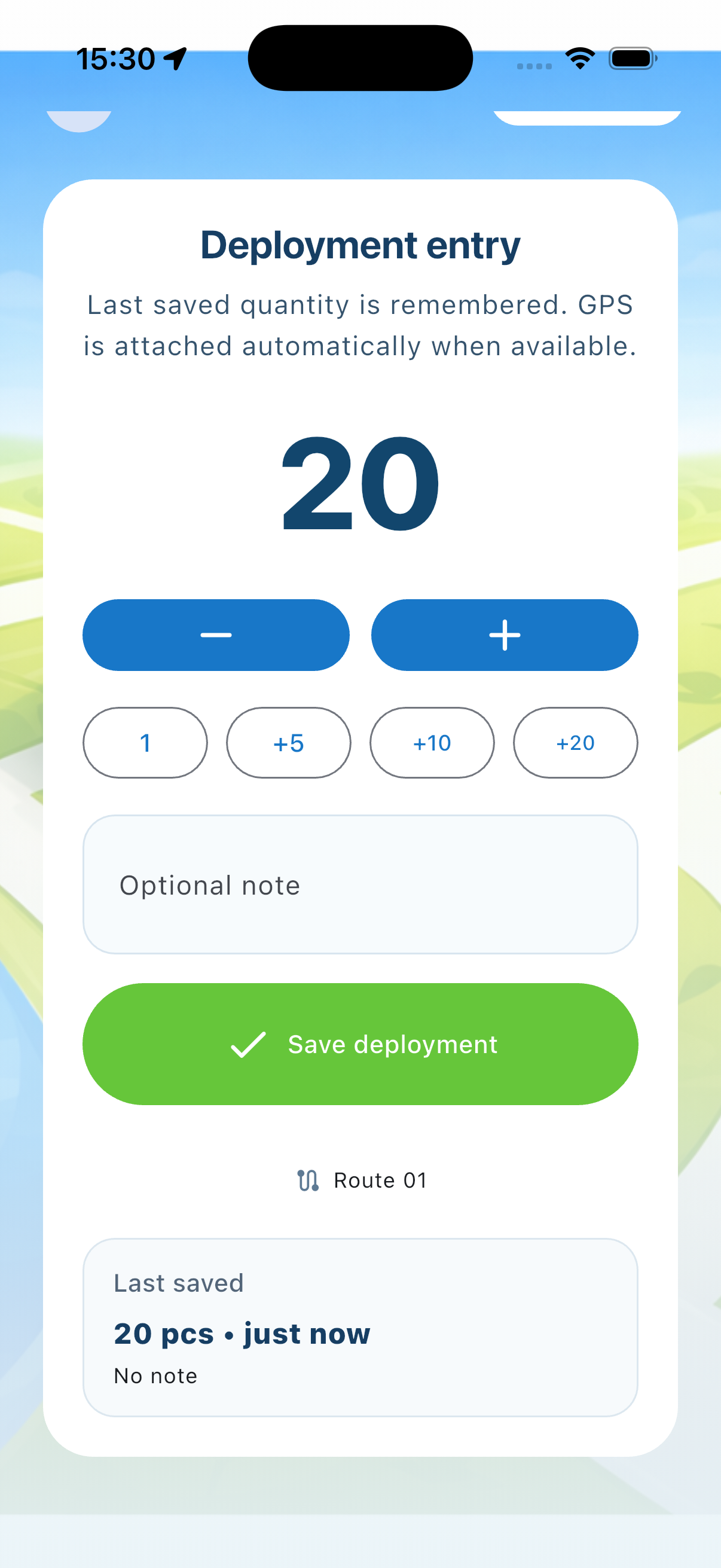
Counting on the round
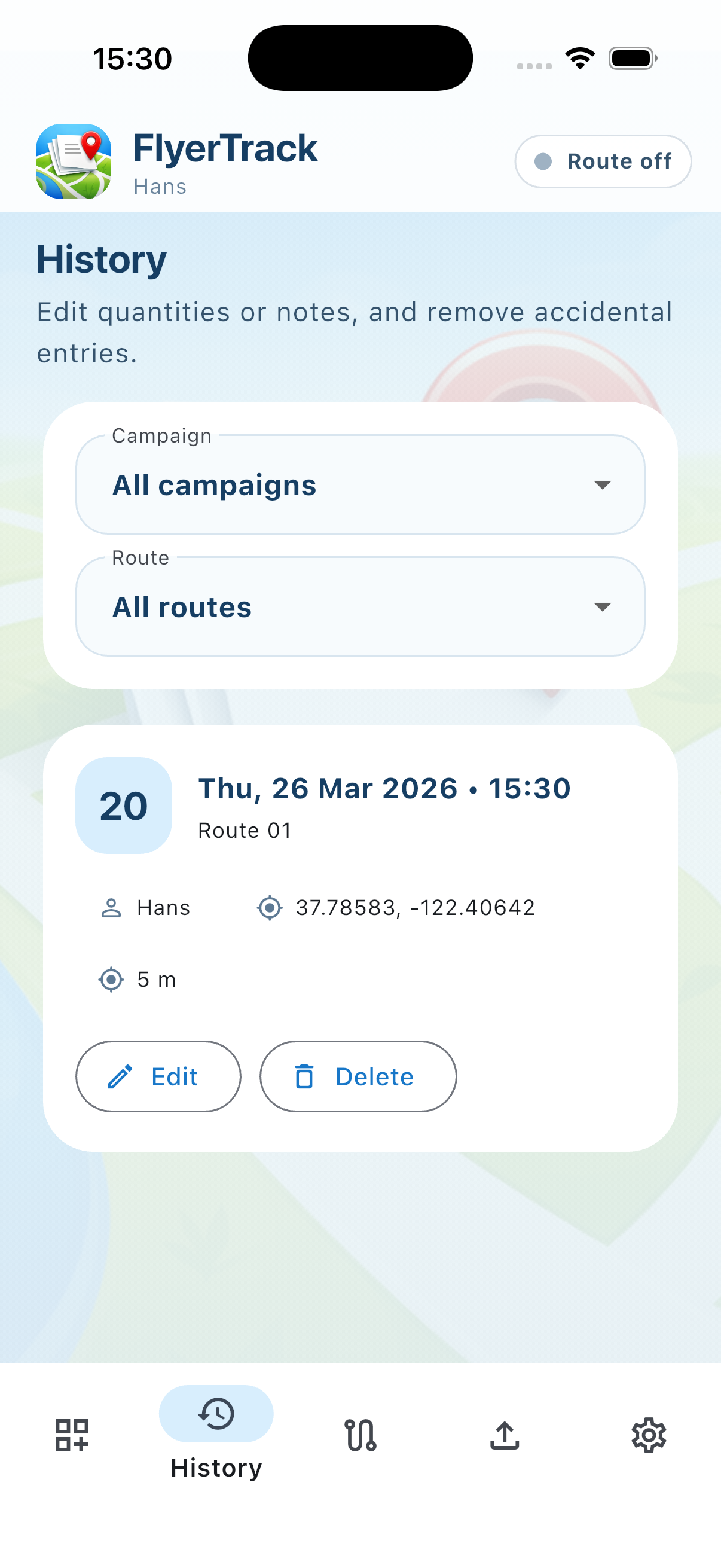
Route proof on the map
Record deliveries quickly with one-tap quantity presets while FlyerTrack keeps the field workflow simple.
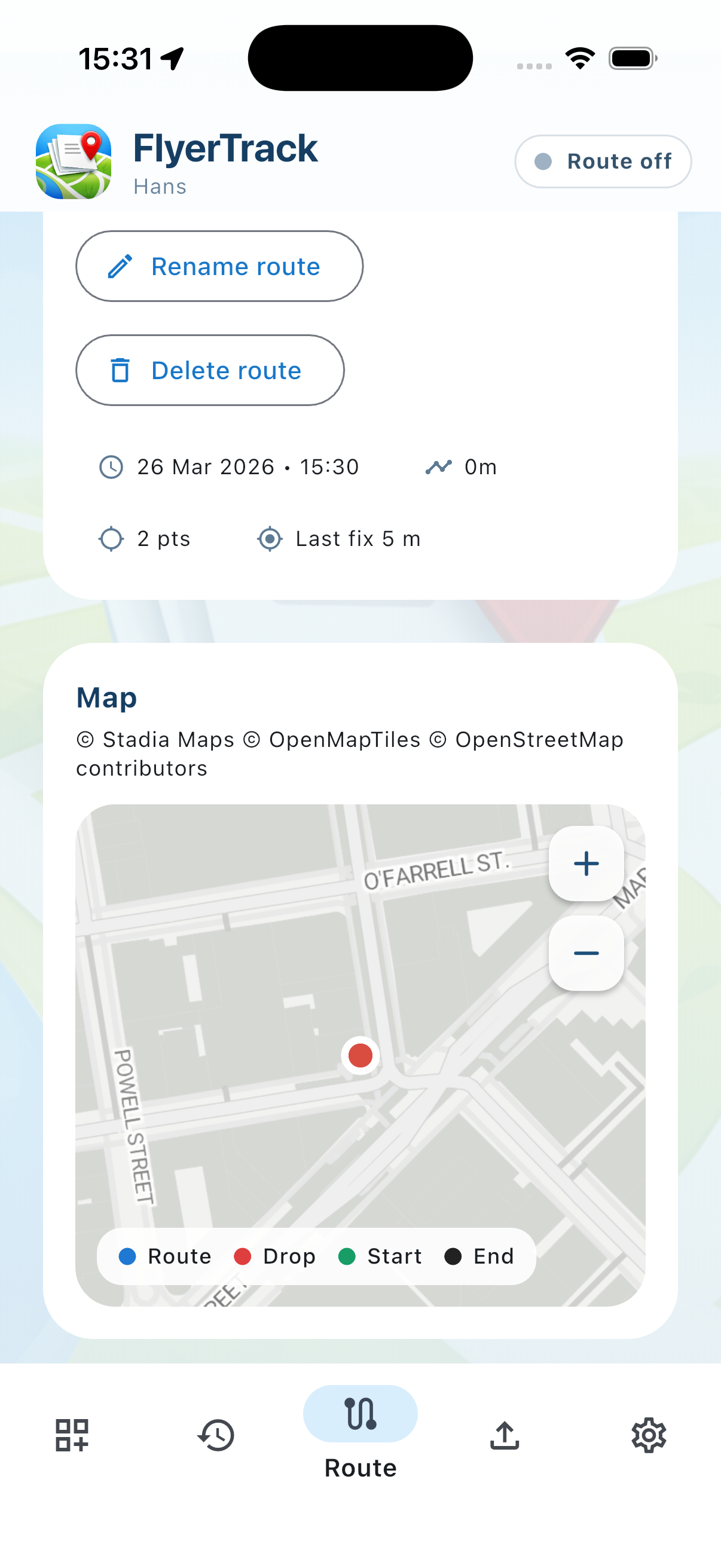
Start a route once and let the app record GPS breadcrumbs in the background, including warning states for long or idle sessions.
Finish with PDF, CSV, or Excel exports, or connect the carrier app to a dispatcher account for automatic dashboard sync.
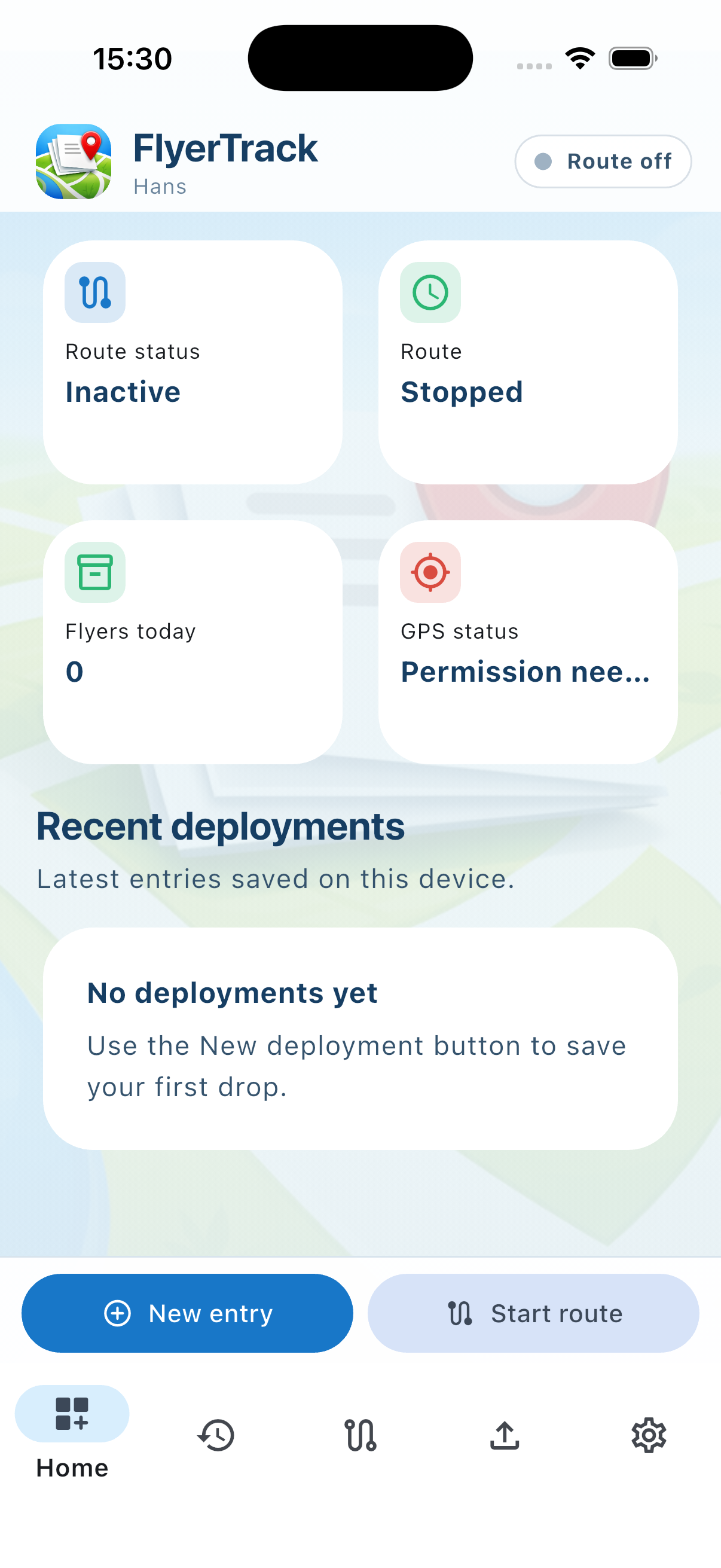
Connect to your dispatcher with a code, or just start walking. Today’s drops and flyers at a glance.
Tap the number to log a drop, adjust with −10 to +10. GPS runs in the background, even without signal.
Every walked street and every drop on the map, with time, distance and GPS point count.
CSV, Excel and PDF for a day, a week or a campaign – or everything at once through the share sheet.
Use the catalog for support. Use flyertrack.app for the current product and plan overview.
Yes. FlyerTrack is available on the App Store and Google Play — use the store buttons above to download it.
The carrier workflow can stay lightweight, but managed teams can connect the app to a dispatcher account with registration codes for route assignment and automatic sync.
The mobile app is free for carriers. Paid plans apply to dispatcher accounts that need central carrier management, route assignment, analytics, and sync into the dashboard.
Yes. FlyerTrack is designed to keep counting, route tracking, and local proof capture working when connectivity is poor or missing.
No. FlyerTrack is positioned as offline-first and built to remain useful when connectivity is poor.
Use the Learn more link on this page to open the dedicated FlyerTrack marketing site at flyertrack.app.
We do not collect personal usage data. This app catalog currently does not set cookies.